Jellyfish Fields - Houdini
This was my project for my Houdini 1 class at Gnomon taught by David Stripinis. I took on the challenge of making a stylized Spongebob environment, inspired by the art of the 2020 movie, "Sponge on the Run". As this environment was for a Houdini class, I tried to do as much of it as possible within Houdini. I ended up with about 80% made in Houdini, spare for the Jellyfish Fields sign (which was modeled in Maya), the textures, and the color corrections and compositing work that were added in Nuke and Photoshop. While the Jellyfish Fields sign was painted in Substance Painter, most of the other textures in the scene are tiling textures made in Substance Designer. Inspired by the work of Romain Boncens, I tried to keep the colors vibrant to maintain the cartoony look of Spongebob.
This was a fun first project in Houdini. It's a super powerful software and I'm excited to keep using some of the tools in it for future environments!
Once more, a huge thanks to David Stripinis for teaching one of the best classes I've ever had the pleasure of being a part of. He is an excellent mentor and I highly recommend his Houdini 1 course at Gnomon! An additional thanks to Dakota Smith for helping me wrap my head around the madness that is Houdini while David wasn't around.
The final result :) The video effects (music, bubbles, god rays, dust particles, etc.) were added using Nuke and Adobe Premiere.
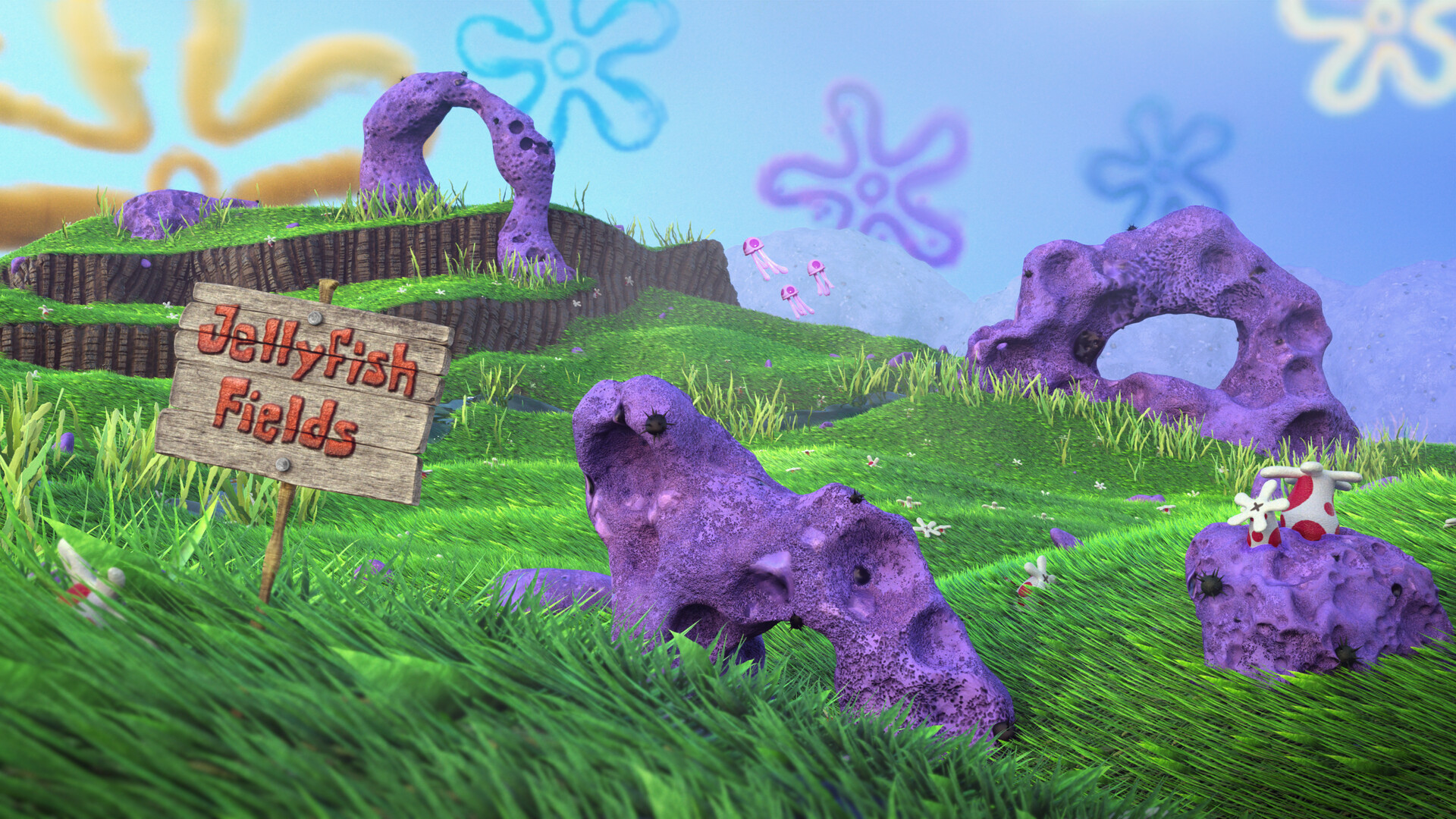
Final still render + touch-ups/comp
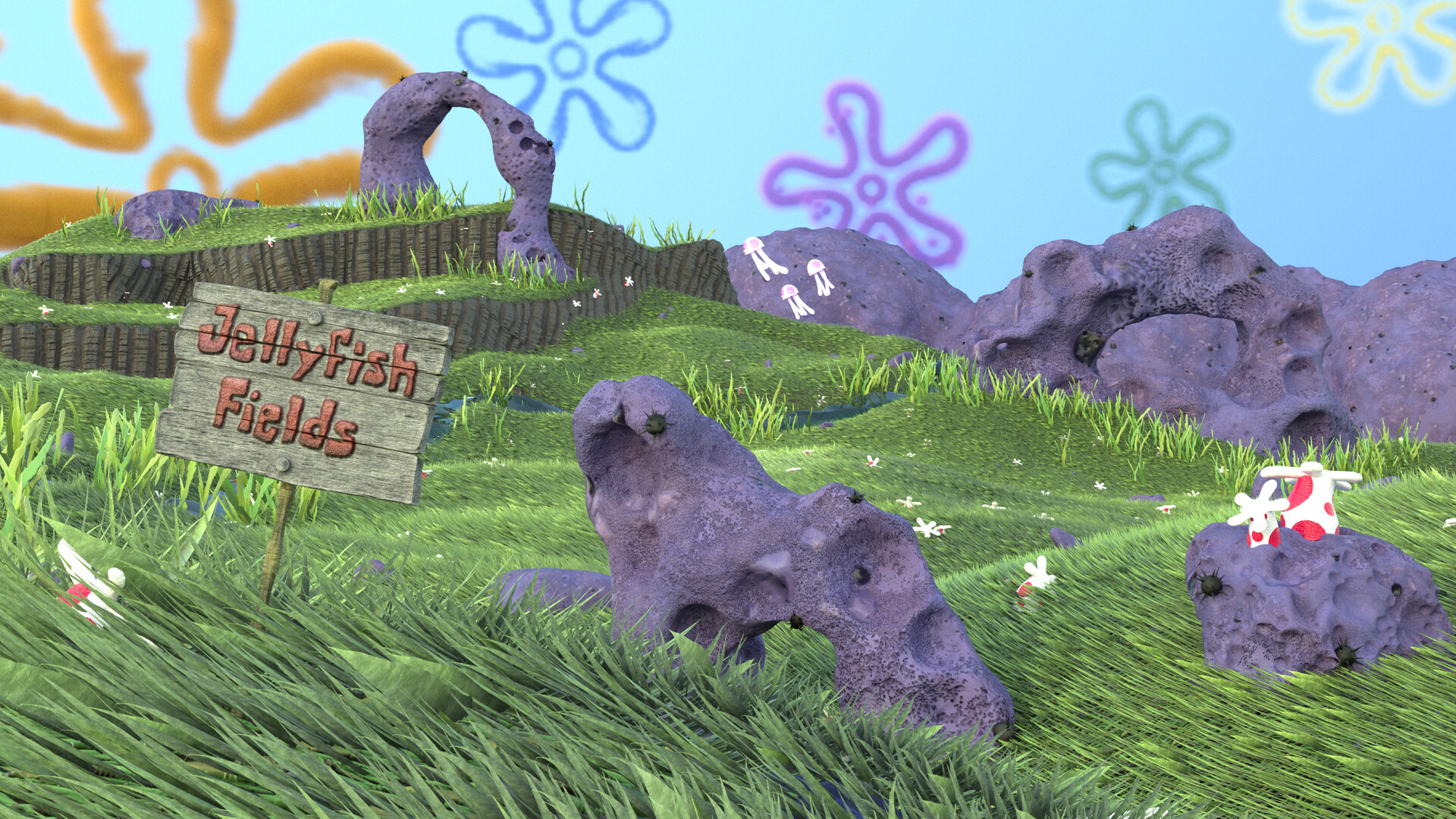
Raw render straight out of Houdini

Scene pre-render/in the Houdini viewport. Procedurally generated rocks, coral structures, and anemones were also placed around the environment; some scattered procedurally and some hand-placed.

(1/3) image demonstrating the flow of the grass using lines as placeholders
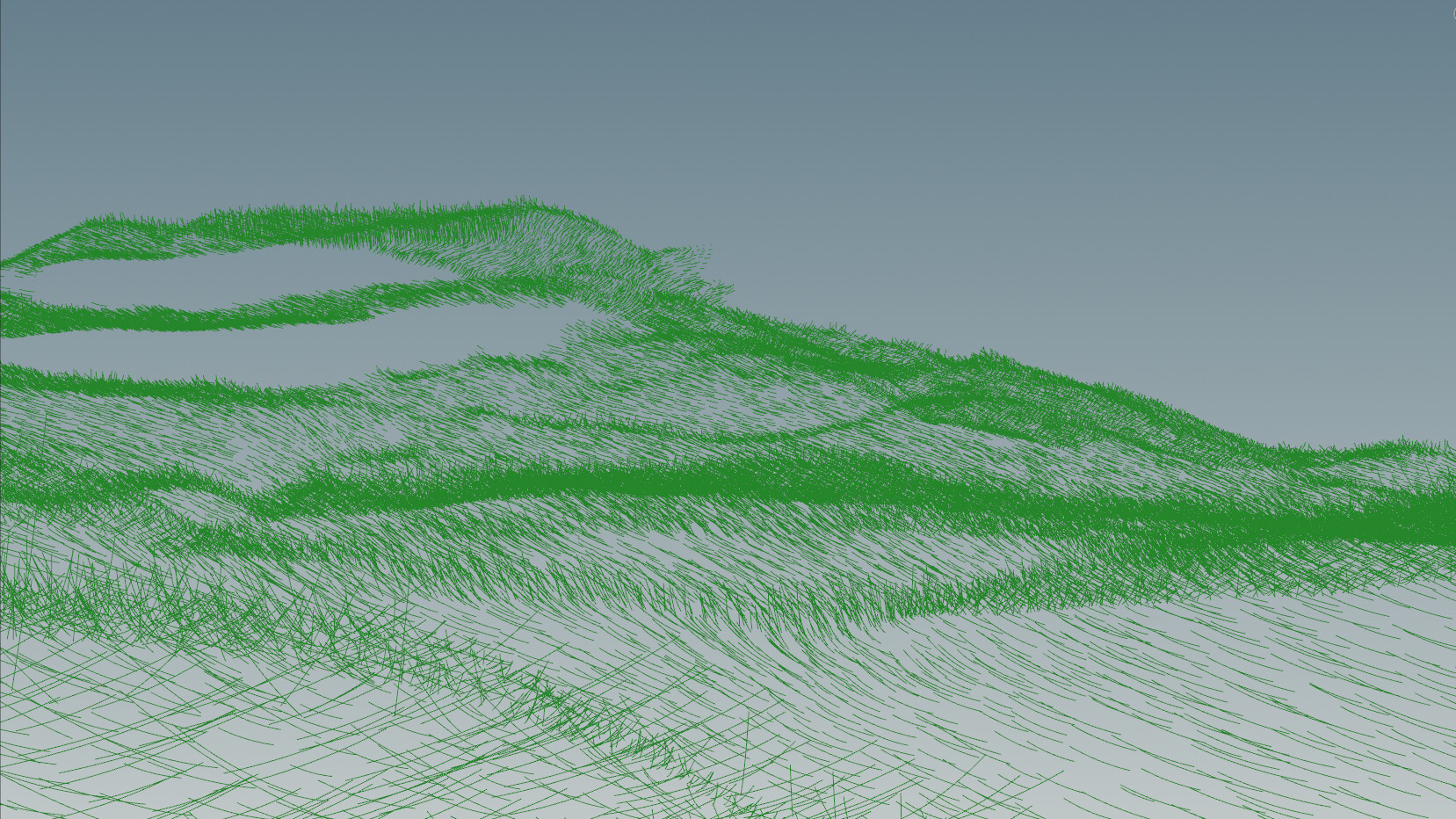
(2/3) image demonstrating the flow of the grass using lines as placeholders
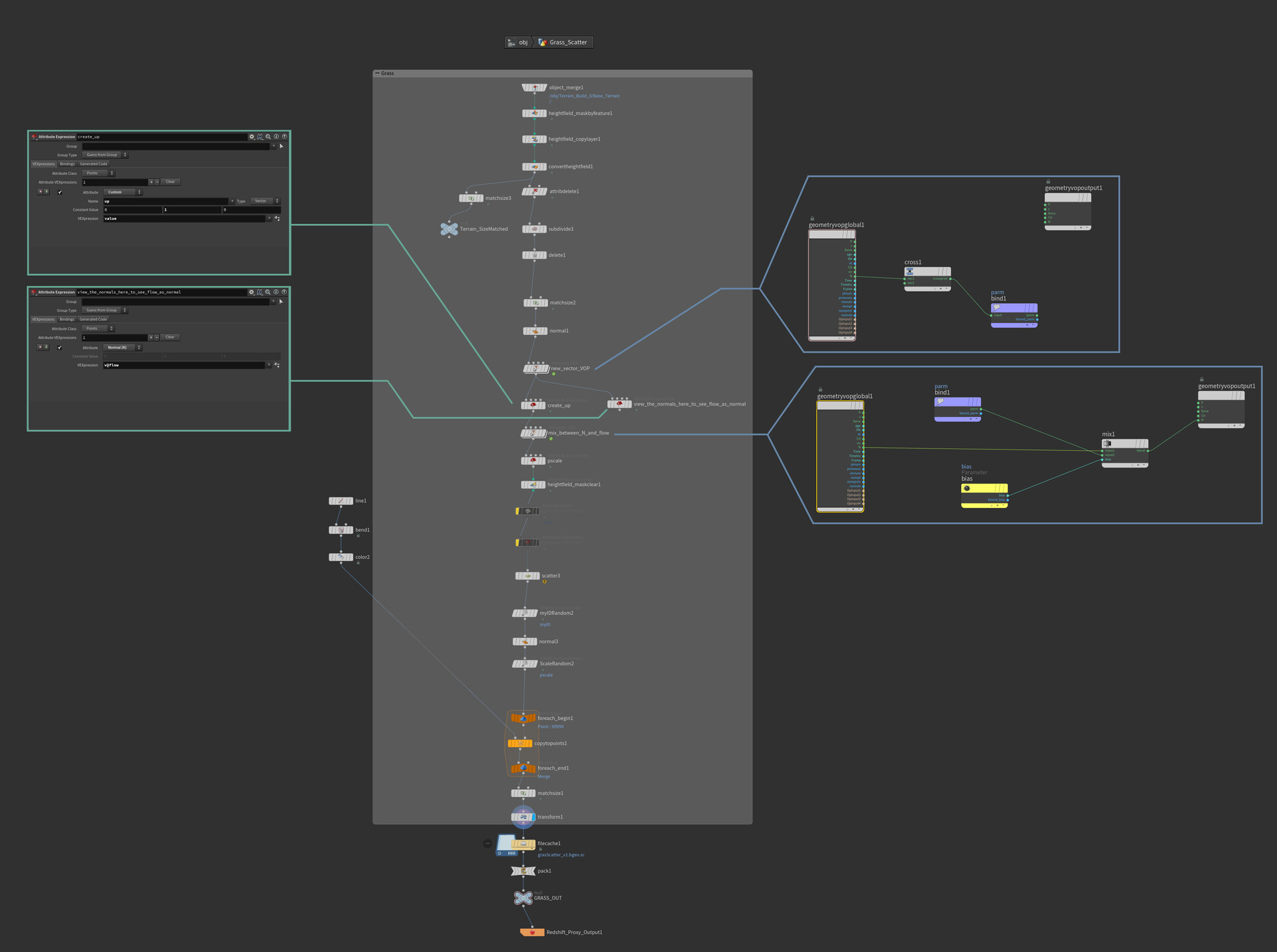
(3/2) To achieve a windswept look, around 7 blades of grass were created and textured in photoshop, and then scattered along the heightfield with orientations calculated by mixing the up value of the world and the flow of the normals on the heightfield.

Purple Coral material made in Substance Designer, used on rocks and coral structures

Dirt Cliff material made in Substance Designer, used on terrain along with grass material using a mask that masks based on the slope of the heightfield

Grass material made in Substance Designer, used on terrain underneath scattered blades of grass to better integrate them/in case there are gaps in the blades of grass
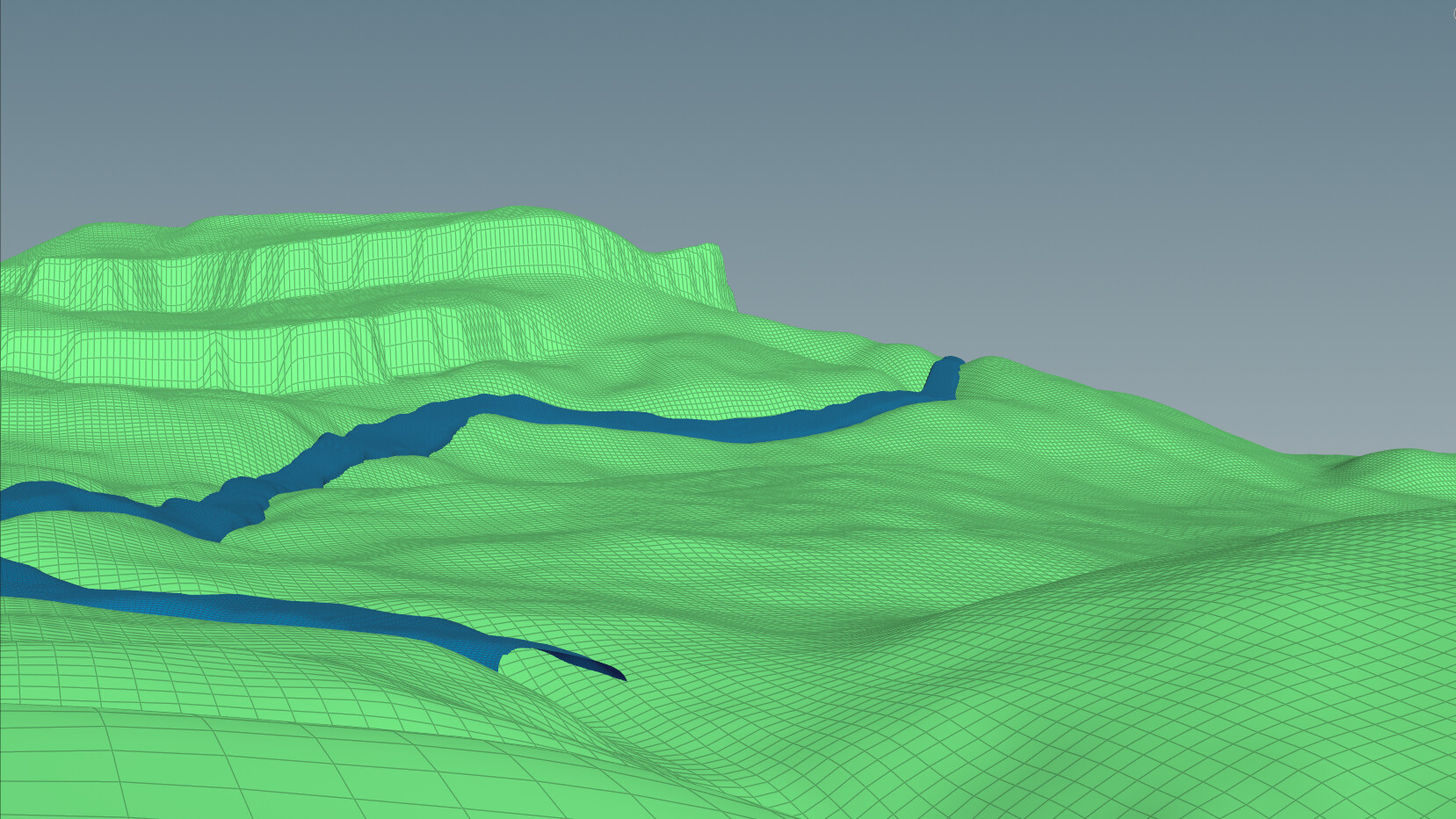
The basic workflow of the Houdini scene revolved around the heightfield. The environment was made by arranging primitive shapes on a plane and projecting them onto a heightfield, then using noise, terrace, erosion, etc. to get a more natural look.

Node setup for heightfield/terrain
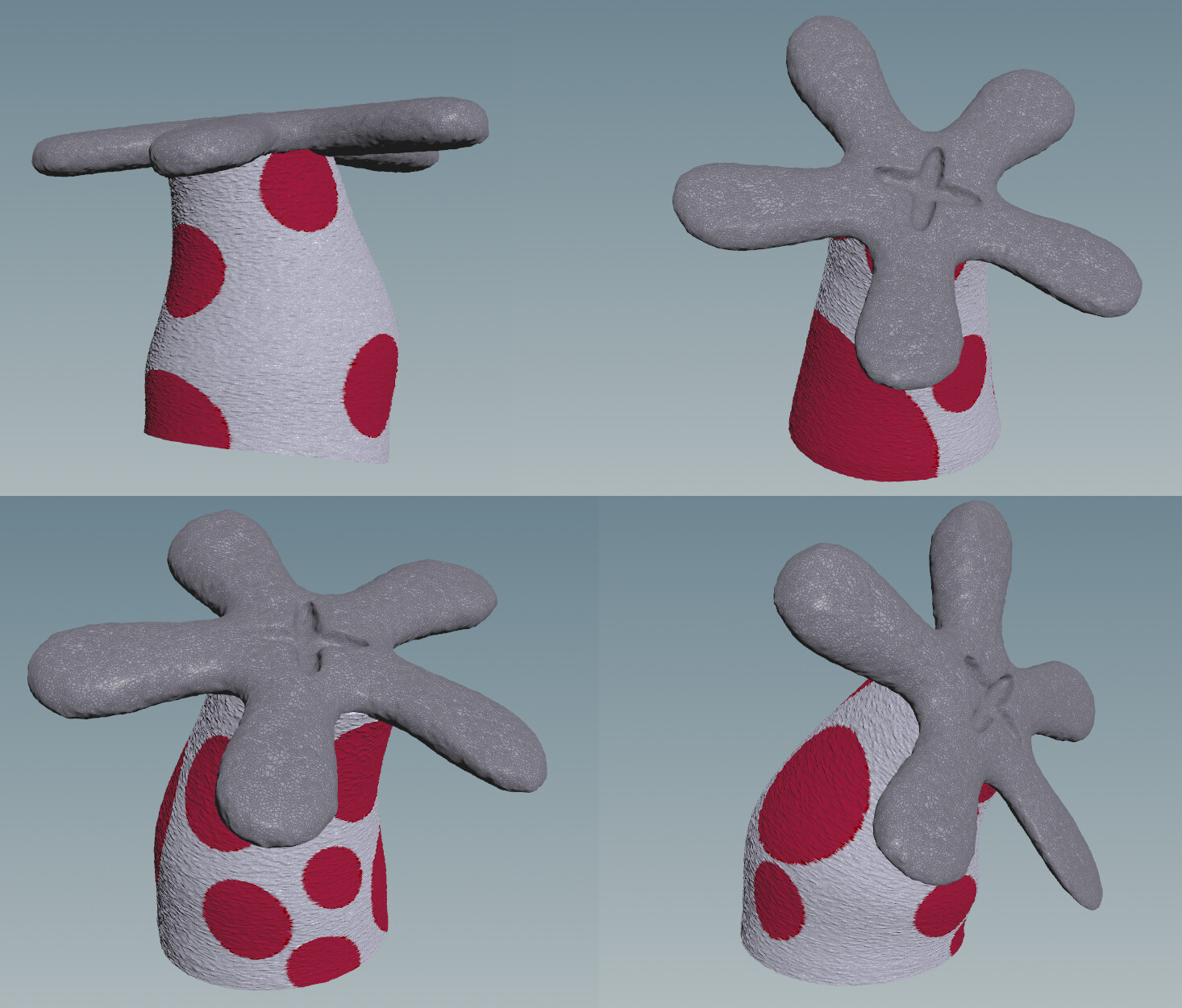
Examples of some of the anemones that are scattered around the scene. They are created procedurally using intersection analysis so that the red dots generated will be different every time, with an infinite number of possibilities, but will never overlap.

Nodes demonstrating the tech used to create the anemone stalk tech
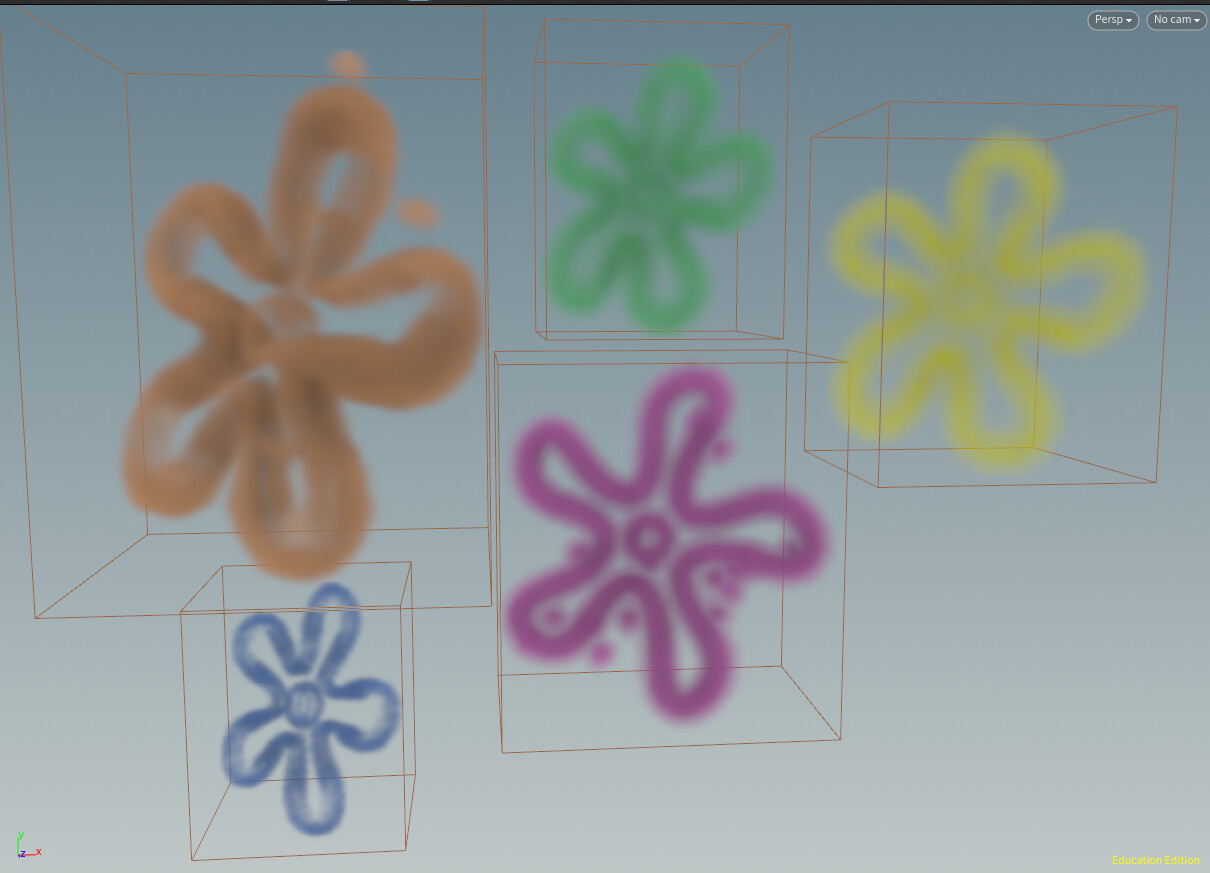
While they may look like a backplate, the clouds are fully 3D and volumetric; being generated by drawing the flower shape with a curve, converting it to geo, and using the cloud + cloud noise nodes to achieve the desired shapes.

Node setup used to build the flower clouds

Example of underlying geo that the cloud and cloud noise VOPs were applied to

(1/4) Process of creating the coral structures; starting with primitives and curves and converting them to VDBs to combine and remesh them

(2/4) Scattering larger spheres with random pscale and then using booleans to achieve coral-like shape

(3/4) Repeating with a larger quantity of smaller spheres to represent the bio-erosion caused by molluscs and other sea creatures

(4/4) Applying substance designer material and scattering sea urchins on top